How it works
Five steps from sign-up to better writing. The whole thing takes about five minutes to set up.
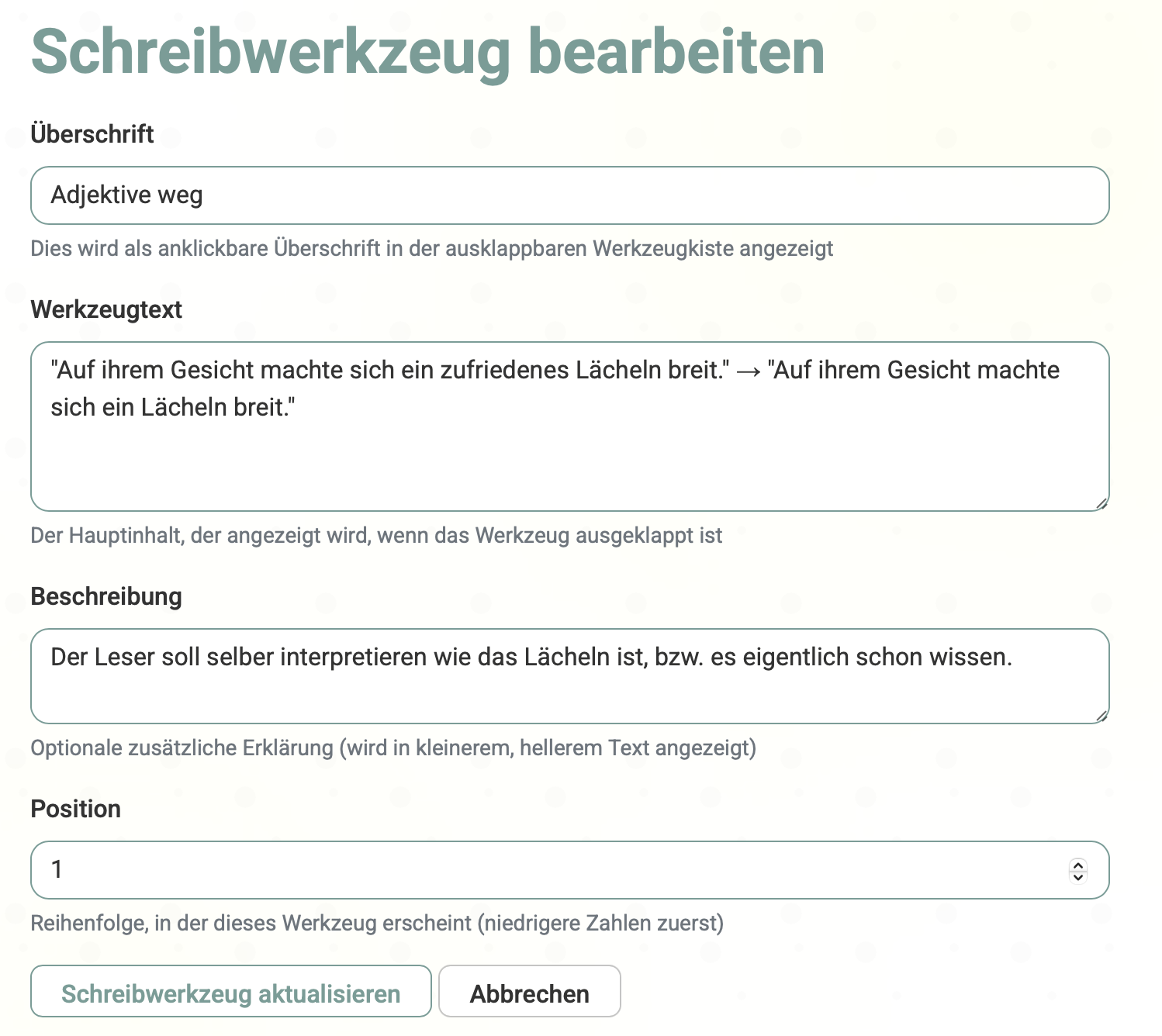
Write down your rules
What does good writing mean to you?
Think about the things you keep forgetting mid-draft. 'Show don't tell.' 'Vary my sentence length.' 'No adverbs in dialogue tags.' Write them down as short rules — these become your personal checklist.
Examples by genre:
Literary Fiction
- "Show character emotions through actions"
- "Use all five senses in descriptions"
- "Vary sentence rhythm for pacing"
Genre Fiction
- "Start scenes in media res"
- "Create distinct character voices"
- "End chapters with hooks"
Write with your rules in sight
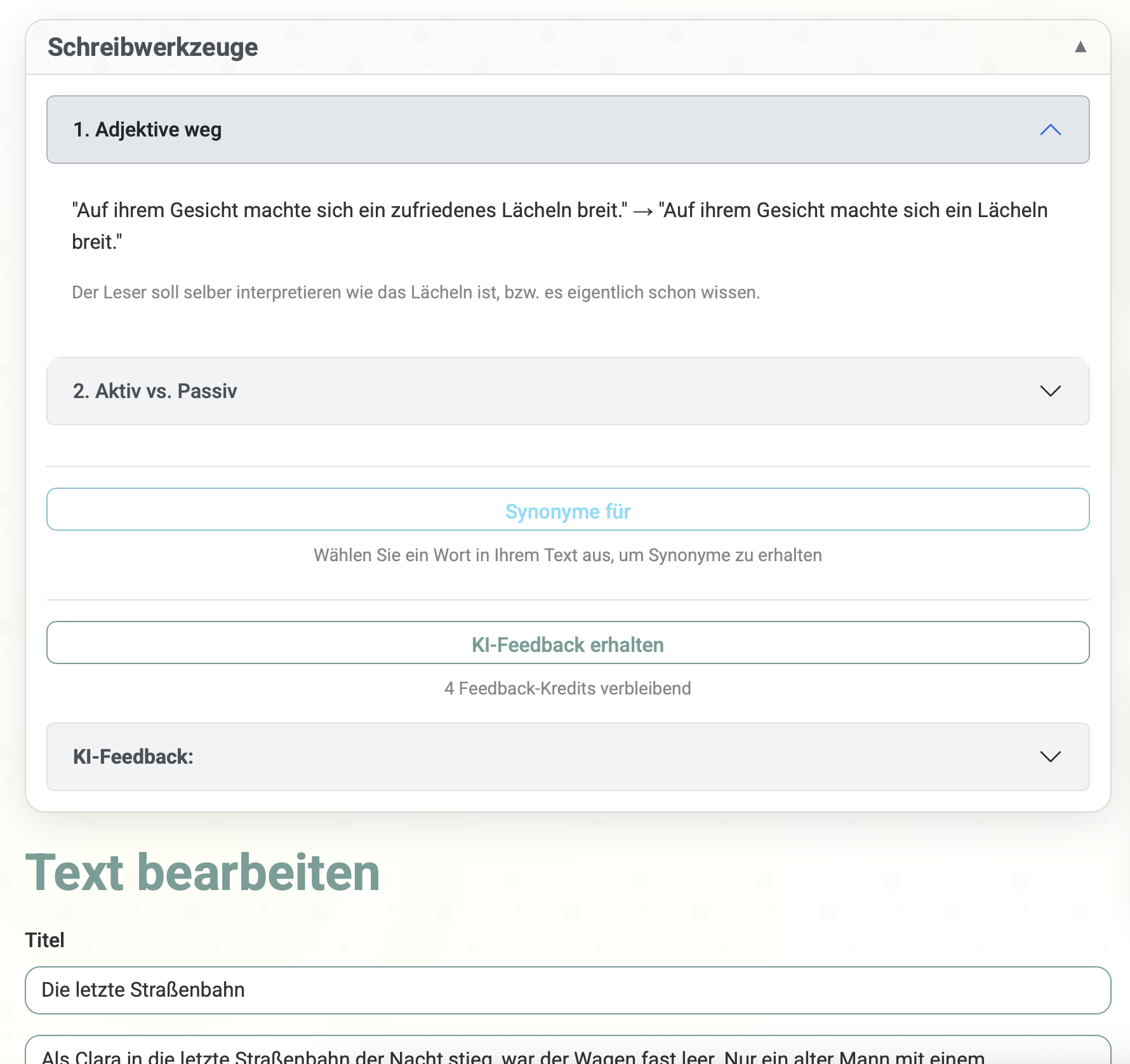
They stay pinned at the top of your editor
Your rules appear above your text while you write. That's it — no pop-ups, no interruptions. Just a quiet reminder of what you're trying to do.
How it looks:
- Pinned at the top of your editor
- Color-coded for easy scanning
- Click to expand details
- Same rules feed into AI feedback
Ask for AI feedback
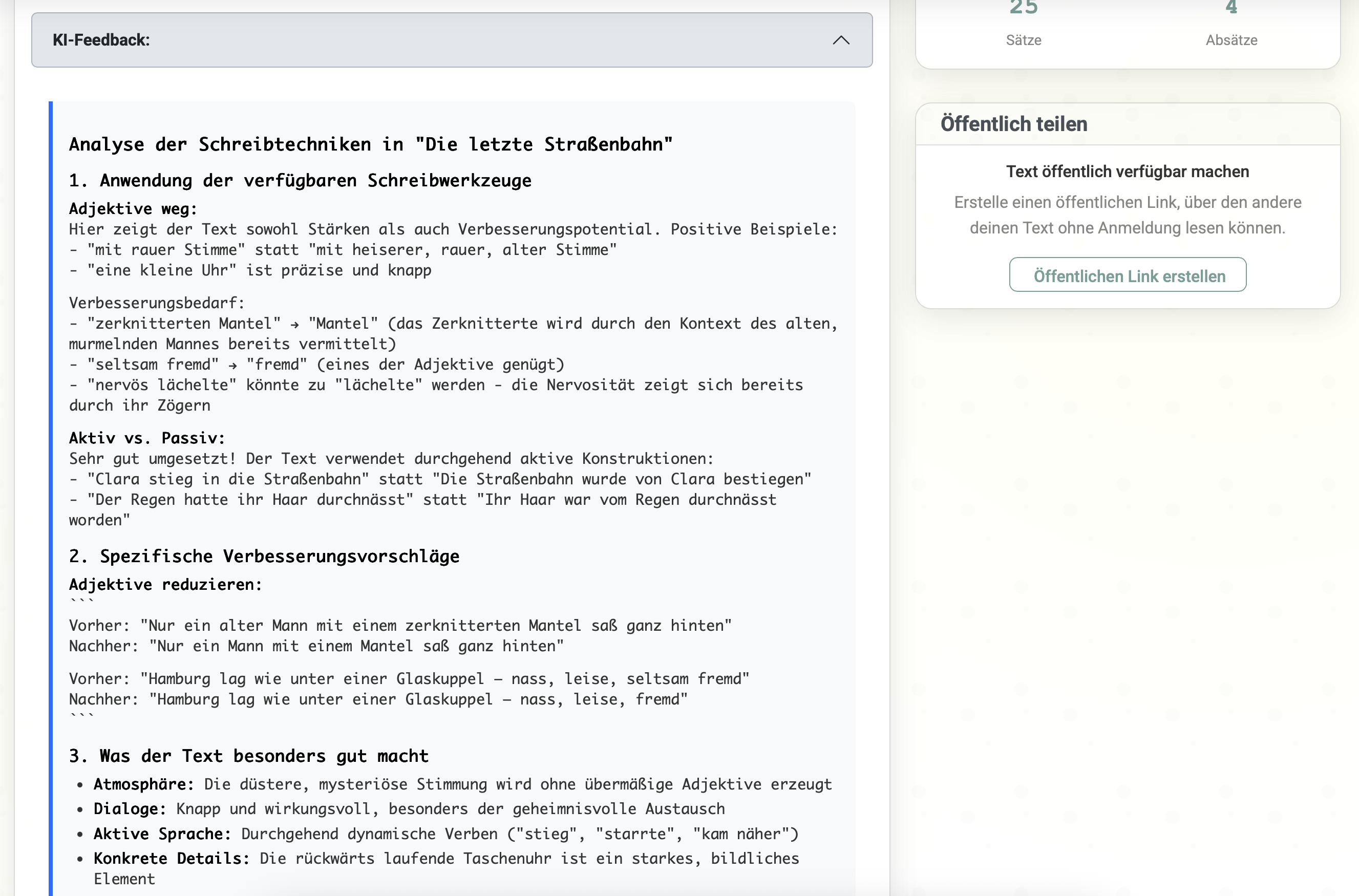
It checks your text against your rules
When you're ready, hit the feedback button. The AI reads your text and evaluates it against the rules you wrote — not some generic checklist. You get specific, actionable notes.
What the AI checks:
- Your specific writing rules
- The context of your story
- Word choice suggestions
- Gets better the more you use it
Share with readers
Get human feedback too
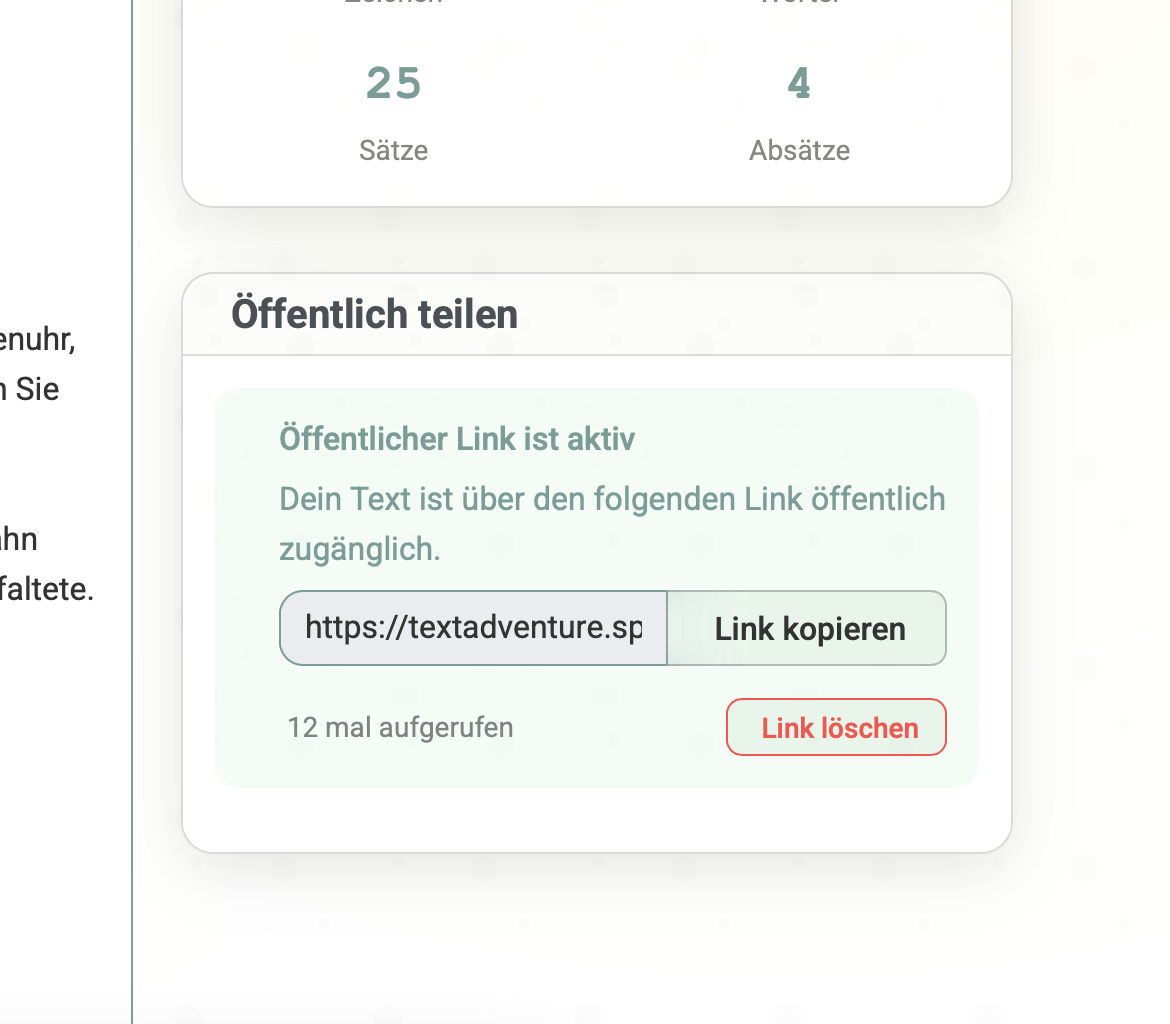
Generate a link and send your story to beta readers, writing groups, or friends. They don't need an account. You can see who opened it and collect their thoughts.
Shareable links
Reader analytics
Collect feedback
You're in control
Watch your progress
Stats that actually tell you something
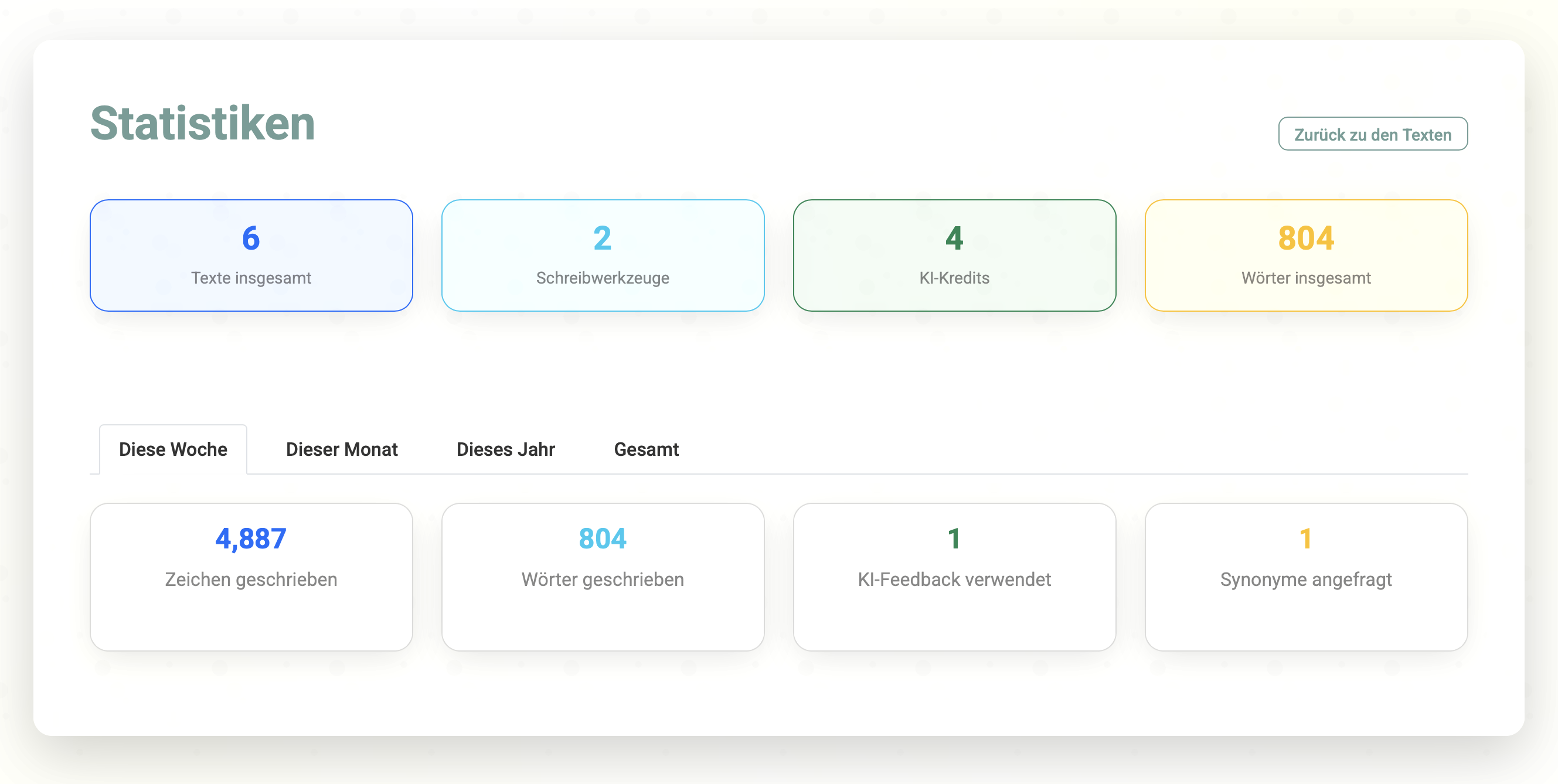
See how much you've written, how often you ask for feedback, and which rules come up most. It's a simple way to see if you're getting better at the things you care about.
What you can track:
That's it. Want to try?
Everything except AI feedback is free, forever. You get 5 AI feedbacks to start with — no credit card, no commitment.
Free forever
Writing rules, story storage, synonyms, stats, and sharing — all free, no limits.
5 free AI feedbacks
Try the AI feedback with 5 free sessions. See if it's useful before you spend anything.
Pay as you go
Need more AI feedback? Buy a pack. Starts at €0.12 per feedback. No subscription.